s
solving-physics
@previewA package to formulate the solution to a physical problem
v0.1.0
MIT
2 downloads
Installation
The easiest method is to import solving-physics: task from the @preview package:
#import "@preview/solving-physics:0.1.0": *
Usage
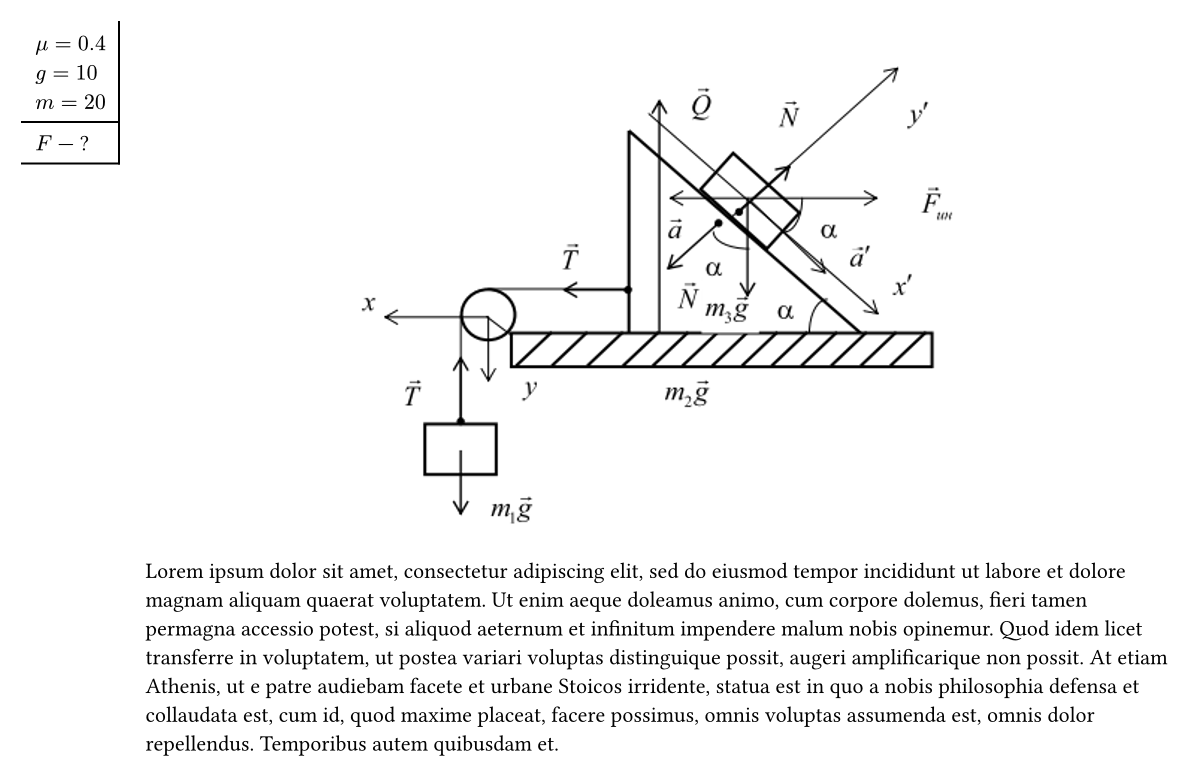
#task(
  given: [
    $mu = 0.4$ \
    $g = 10$ \
    $m = 20$
  ],
  find: [
    $F$ --- ?
  ],
  fig: image("./example.png", width: 5cm)
)[
  #lorem(100)
]
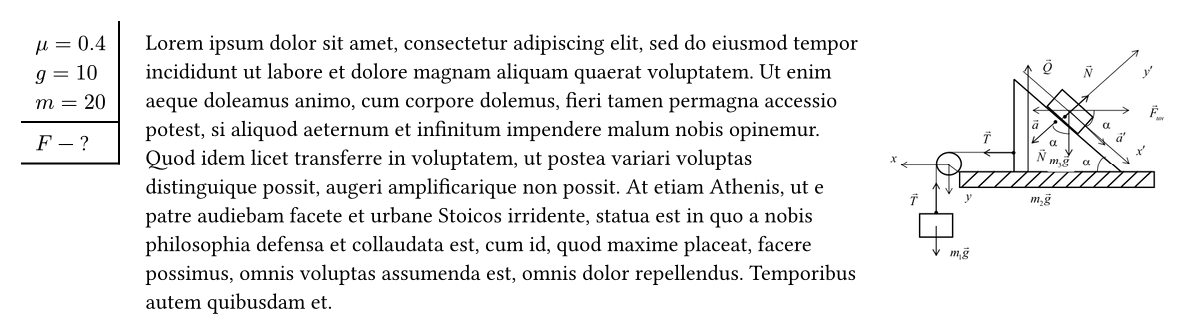
Stroke
#task(
  given: [
    $mu = 0.4$ \
    $g = 10$ \
    $m = 20$
  ],
  find: [
    $F$ --- ?
  ],
  stroke: "full"
)[]

#task(
  given: [
    $mu = 0.4$ \
    $g = 10$ \
    $m = 20$
  ],
  find: [
    $F$ --- ?
  ],
  stroke: "find"
)[]

#task(
  given: [
    $mu = 0.4$ \
    $g = 10$ \
    $m = 20$
  ],
  find: [
    $F$ --- ?
  ],
  stroke: none
)[]

Given width
If you have so large given you may use given-width:
#task(
  given: [
    $mu = 0.4$ \
    $g = 10$ \
    $m = 20$ \
    #lorem(10)
  ],
  given-width: 6em,
  find: [
    $F$ --- ?
  ],
)[]
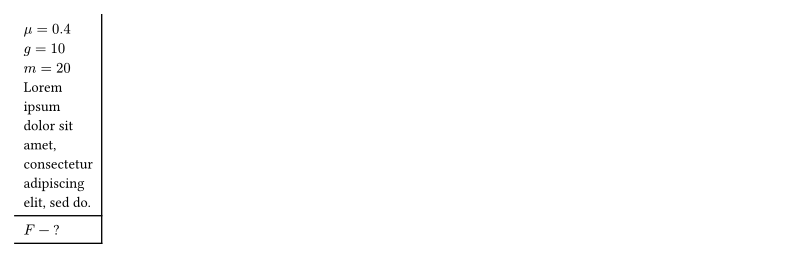
Figure align
You may locate you figure on the center of body by fig-align: top + center
#task(
  given: [
    $mu = 0.4$ \
    $g = 10$ \
    $m = 20$
  ],
  find: [
    $F$ --- ?
  ],
  fig: image("./example.png", width: 60%),
  fig-align: top + center
)[
  #lorem(100)
]